
In This Article
Users, Permissions, and Access
- Navigating to User and Access Settings
- Roles and Permissions (Role Data Access)
- User Data Access
- How Organisational Structure Affects Access
- Navigating Organisational Structure
- Roles vs Organisational Structure (Important Distinction)
Overview
Collaboration in WiredUp is implicit, not manual.
You collaborate by:
- Working on the same central KPIs
- Using shared Value Driver Trees
- Running analysis on a single source of truth
- Using Meetings & RARs to facilitate data-driven discussions
There is no separate "share" action. Access is controlled centrally through roles and organisational structure.
When you have permission to view or edit an object, changes are immediately visible to all other users with access.
Users, Permissions, and Access
WiredUp supports collaboration through role-based access control. Access to data, Value Driver Trees, KPIs, and analysis is managed centrally through the Administration area.
Navigating to User and Access Settings
All user, role, and access configuration is managed from the Administration tab.
To access administration features:
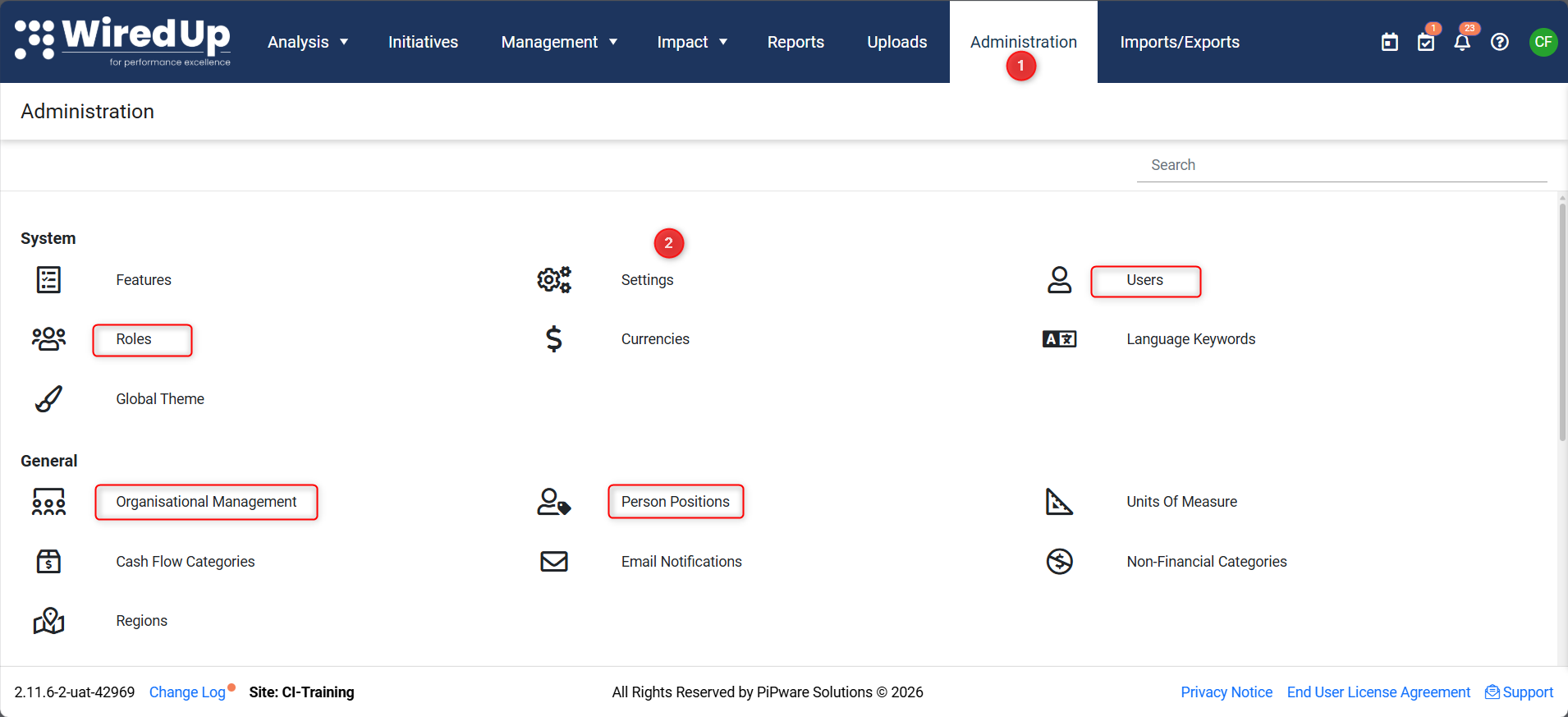
- Select Administration from the top navigation bar
- Choose the relevant section depending on what you want to manage:
- Roles – to define permissions
- Users – to manage user access
- Organisational Structure / Positions – to manage data visibility
Only users with administrative permissions can access these areas.
Roles and Permissions (Role Data Access)
Roles define what you are allowed to do in WiredUp.
To view or manage roles: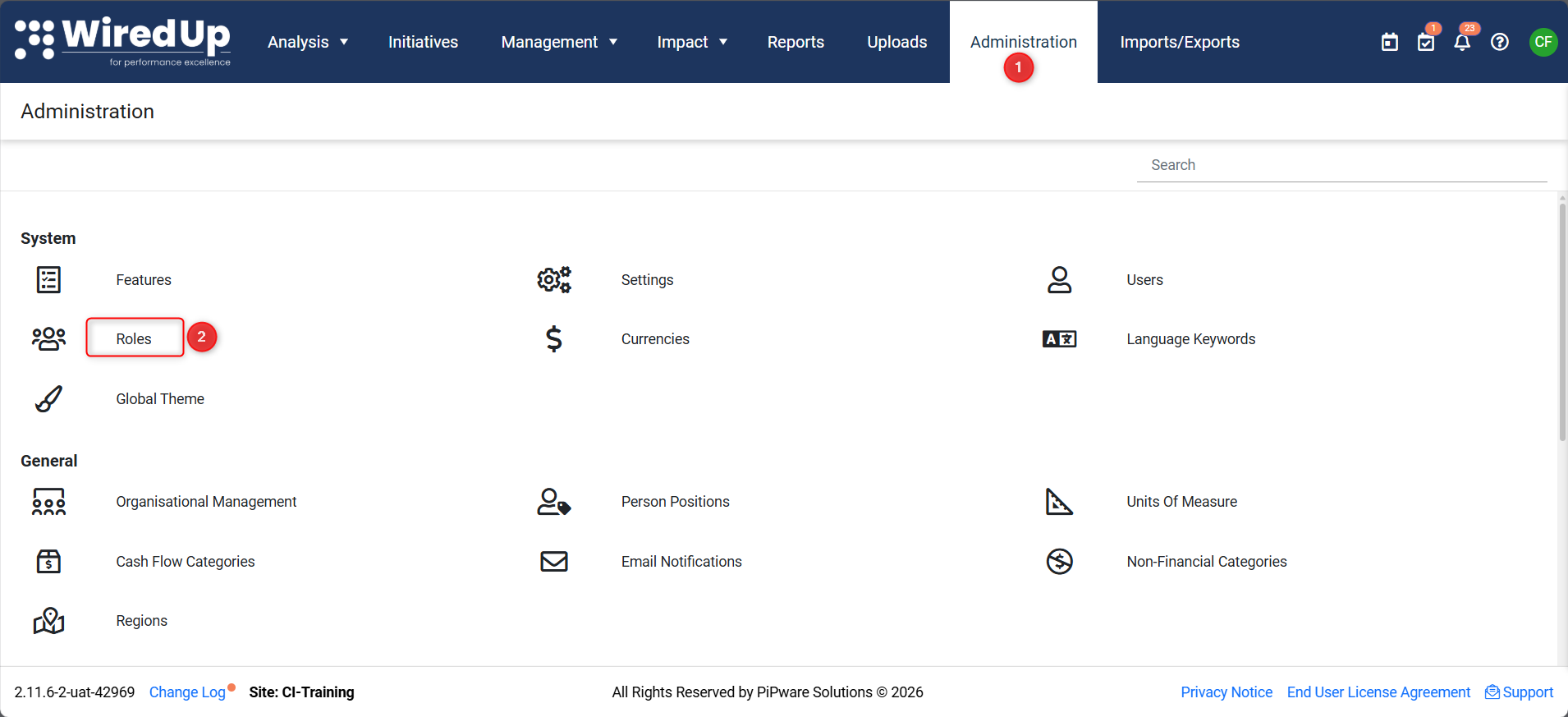
- Navigate to Administration
- Select Roles
From here, administrators can:
- View existing roles
- Create new roles
- Edit role permissions
Roles control permissions such as:
- Viewing or editing Value Driver Trees
- Creating or editing KPIs
- Running Value Hound analysis
- Importing or exporting data
- Adding to or importing from the VDT library
Roles define capability, not which data a user can see. For example: an 'Administrator' has every capability selected, as they need full control over the site.
User Data Access
User access combines:
- Assigned roles
- Assigned organisational position
To view or manage users: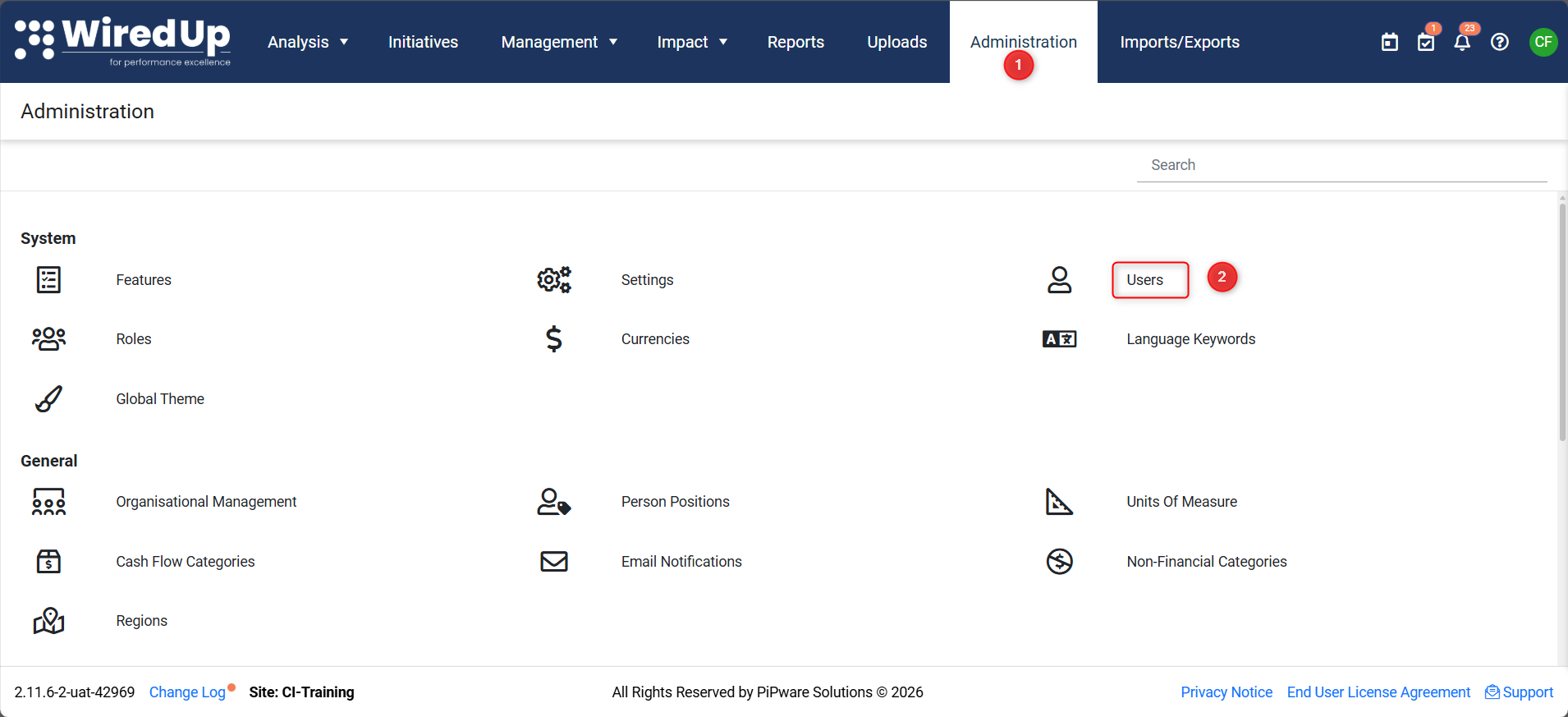
- Navigate to Administration
- Select Users
From here, administrators can:
- Create new users by selecting +Add
- Update the relevant details of the new user (i.e., Name, email, home site - what section of WiredUp you want them to see, etc.)
- Assign or update roles by clicking +Add under roles, and selecting from the pop-up list
Users inherit permissions from roles and data visibility from organisational structure.
How Organisational Structure Affects Access
In WiredUp, roles control what you can do, while organisational structure controls what data you can see.
Organisational structure is based on positions within a hierarchy (for example, business unit, site, department, or asset). Users are assigned to positions, and data visibility is scoped accordingly.
Navigating Organisational Structure
Organisational structure is managed from the Administration area.
To view or manage organisational structure: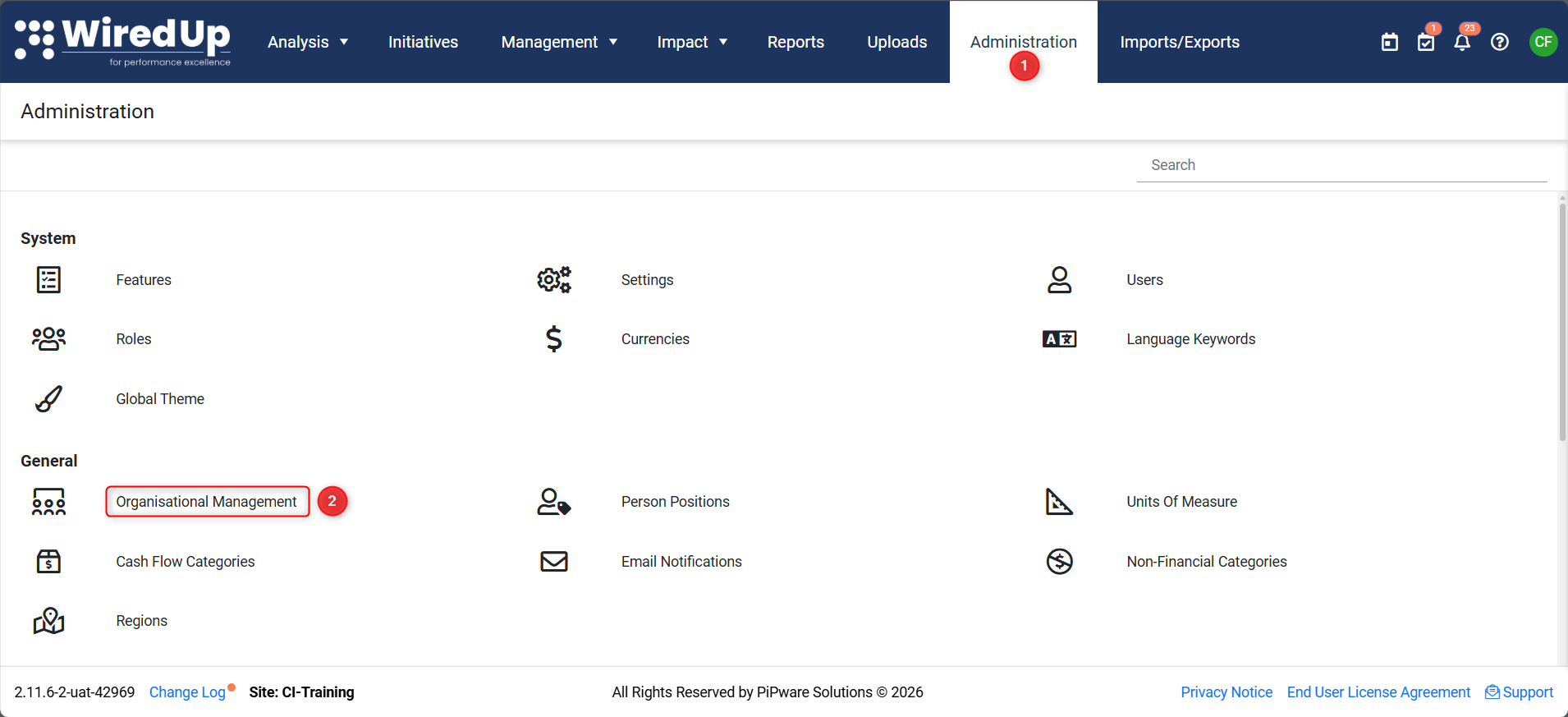
- Select Administration from the top navigation
- Open Organisational Management
Only users with administrative permissions can modify organisational structure, by adding layers to the hierarchy under +Add Child.
Roles vs Organisational Structure (Important Distinction)
- Roles determine what actions you can perform
- Organisational structure determines what data you can access
Both are required for effective collaboration.
Having edit permissions does not automatically grant visibility to all data.
Common Visibility Questions
"Why can't I see a KPI someone else can see?"
Your organisational position may not include that data.
"Why can I run analysis but only on part of the tree?"
Your role allows analysis, but your data visibility is scoped by organisational structure.
"Why does my output differ from another user's?"
Users in different positions may be analysing different data scopes.
What Happens Next
You should now understand:
- Where to manage users and access
- How roles and data visibility work together
- How collaboration is governed in WiredUp
The next article explains how to export and report results for sharing outside the platform.
Next Steps
To learn about exporting and reporting results, see: